NetPulse publishes the fleet state to an MQTT broker and Home Assistant discovers it on its own: it creates the devices and their entities without you defining anything by hand. Everything happens on your local network.
NetPulse writes your network state to the MQTT broker you already run for Home Assistant. From there, the routers and their metrics are available for dashboards, automations and alerts, just like a light or a temperature sensor.
One device with the global health (score and label), clients online and total, routers online and total, and unread alerts.
One device per router with whether it is online, its health, CPU, memory, temperature and client count. Linked to the install so it groups in the panel.
Every alert is published as an event the moment it fires (temperature, WAN down, new device...), so you turn it into whatever automation you want.
NetPulse writes, it does not listen: it is a publisher. From Home Assistant you read the network; to act on a router you use NetGrip, its panel, which speaks MQTT too and does accept commands.
It ships disabled: until you turn it on, NetPulse publishes nothing. It is configured with environment variables (or UCI options in on-box mode).
NETPULSE_MQTT_ENABLED=1
NETPULSE_MQTT_HOST=10.0.0.10
NETPULSE_MQTT_USER=netpulse
NETPULSE_MQTT_PASS=...
NETPULSE_MQTT_INSTANCE=casa
After a restart the log shows "[mqtt] connected ... as instance \"home\"". The first state takes at most one interval.
One device for the install and one per router, hanging from the first. These are the entities created on their own:
| Device | Entity | Type | Unit |
|---|---|---|---|
| NetPulse <instancia> | Health score | sensor | |
| Clients online | sensor | ||
| Routers online | sensor | ||
| Unread alerts | sensor | ||
| NetPulse version | sensor (diagnostic) | ||
| each router | Online | binary (connectivity) | |
| Health | sensor | ||
| CPU usage | sensor | % | |
| Memory usage | sensor | % | |
| Temperature | sensor | °C | |
| Clients | sensor (diagnostic) |
If a router runs NetGrip with its MQTT on, NetGrip is the one exposing it to Home Assistant and NetPulse does not publish it: you only see one device per router.
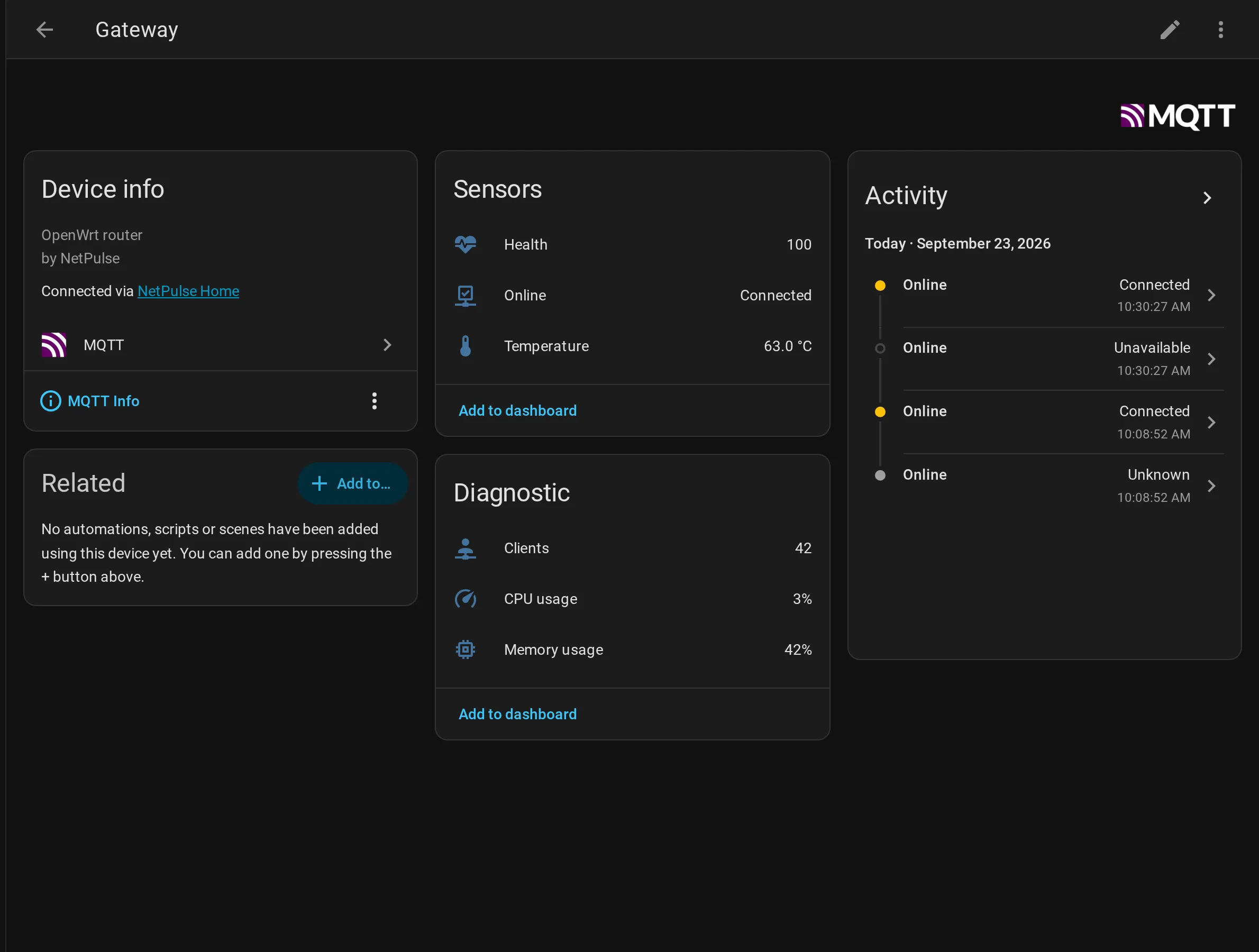
A router device in Home Assistant, with its entities created by discovery.
NetPulse only publishes, but routers running NetGrip (its panel) also accept commands over MQTT. With NetGrip on, Home Assistant does not only see the router: it drives it.
| Action | Command topic | Value |
|---|---|---|
| Guest Wi-Fi | netgrip/<router>/command/guest_wifi | ON / OFF |
| banIP | netgrip/<router>/command/banip | ON / OFF / RELOAD |
| IPv6 | netgrip/<router>/command/ipv6 | ON / OFF |
| SQM | netgrip/<router>/command/sqm | ON / OFF |
| Reboot | netgrip/<router>/command/reboot | PRESS |
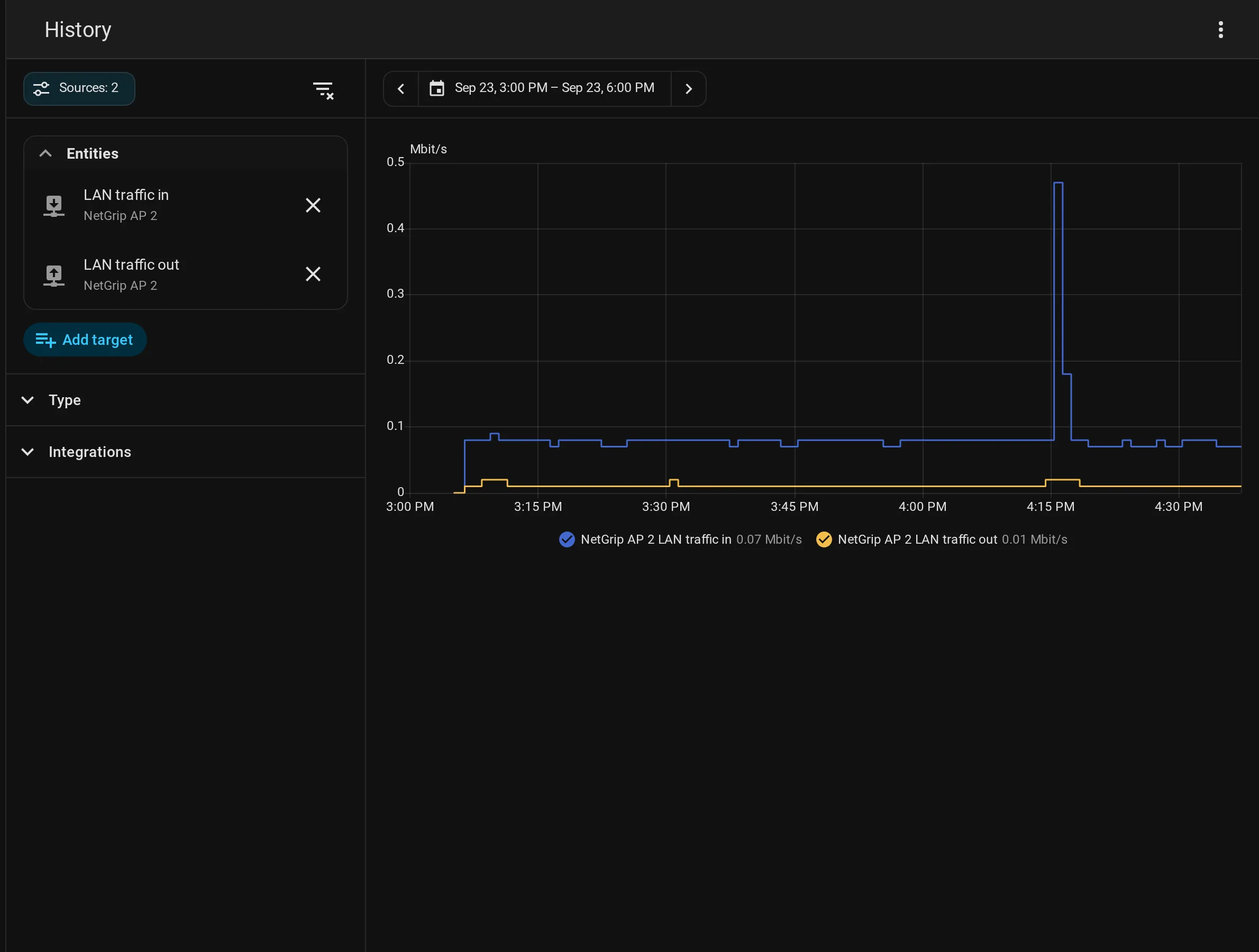
Each router replies with the result on netgrip/<router>/result. It also publishes 17 sensors of its own: clients per band, weakest and average WiFi signal, and local network traffic.
A Home Assistant dashboard with the local network traffic and the install health.
Install NetPulse, point its instance at the broker and in a minute you will have your network inside Home Assistant.